tick the ads.
publish to meta.
Select an Ad Group, pick a campaign, and Cuttable pushes all three ratios into Ads Manager with the copy already written. One publish, one Ad Export.
the last mile
is where creative velocity dies.
export, resize, re-upload, repeat
The ads are done and you still have an afternoon ahead of you. Export each format, name every file, build the ad set, paste the copy, check the crops. A batch of ads is a day you didn't plan for.
four clicks and it's in Ads Manager
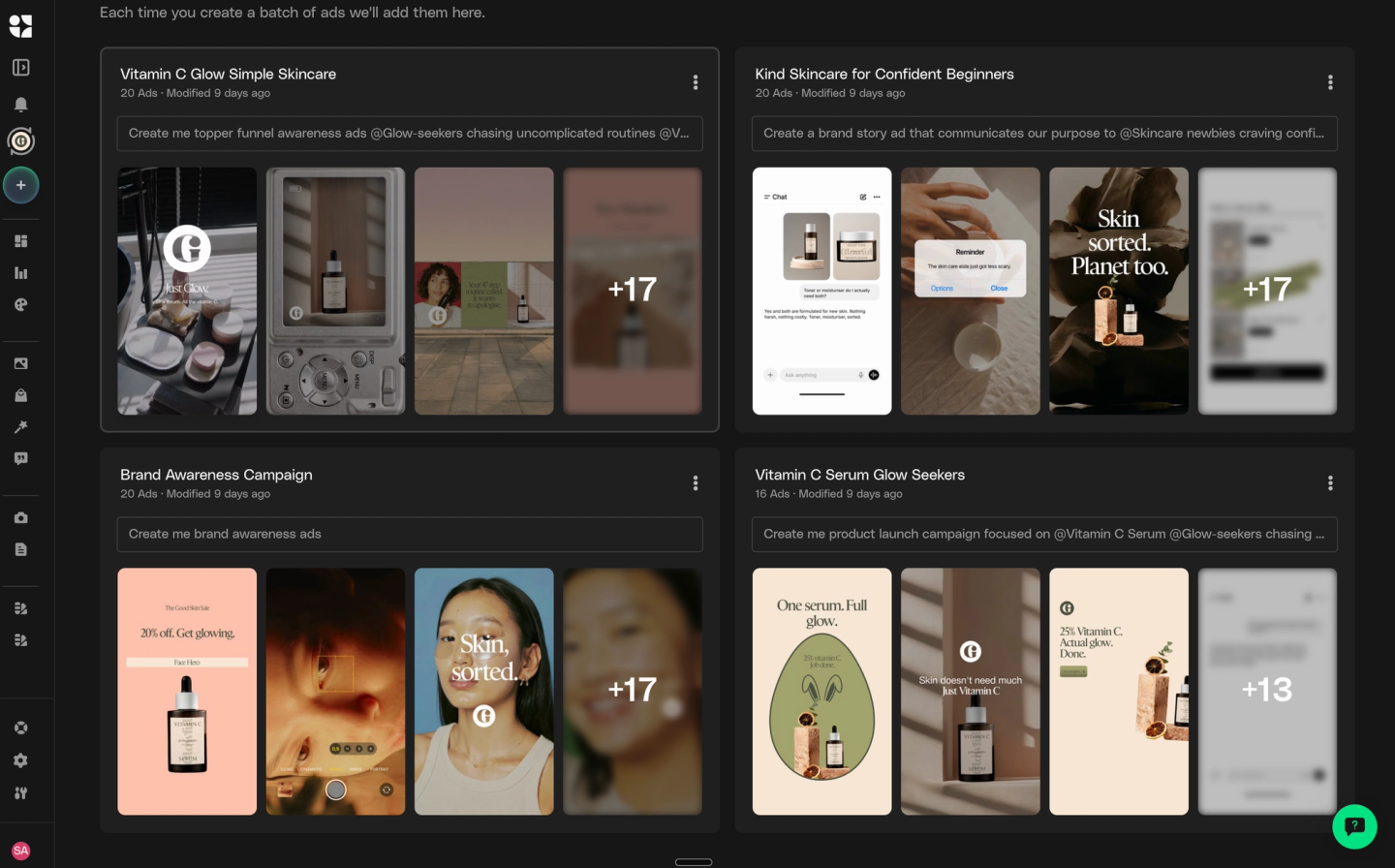
Your Ads, select the Ad Group, tick the ads, Publish to Meta. Cuttable sends 9:16, 1:1 and 4:5, static or video or both, with Primary Text, Headline, Description and CTA already filled in.
how publishing actually works
Three steps from a finished Ad Group to a live ad. No export folder, no re-upload, no naming convention.
select
Open Your Ads, choose the Ad Group, tick the ads you want. Hit Publish to Meta and choose static, video, or both.
set up
Pick an existing campaign and ad set from the dropdowns and inherit their budget, targeting and optimization. Or hit Create New and choose only an objective, Sales, Awareness or Leads, and a budget. Campaigns created in Cuttable are Advantage+ campaigns.
publish
Cuttable pre-fills Primary Text, Headline, Description, CTA and CTA URL. Edit anything, check the preview, then publish live or publish paused and switch them on yourself.
meta + cuttable.
streamlined publishing.
connecting meta
buys you more than publishing.
straight into ads manager.
We can create and iterate on ads incredibly fast in Cuttable, then push them live directly into Meta. It's helped us test more, learn faster, and scale winners sooner.
hear from our customers
Teams who changed how they keep up with the volume and variety of ads it takes to perform on Meta.